
Introduction
Have you ever cleared your phone notifications too fast and then wondered, “What was that message?”
You’re not alone. Millions of Android users swipe away notifications without reading them—sometimes by mistake, sometimes out of habit.
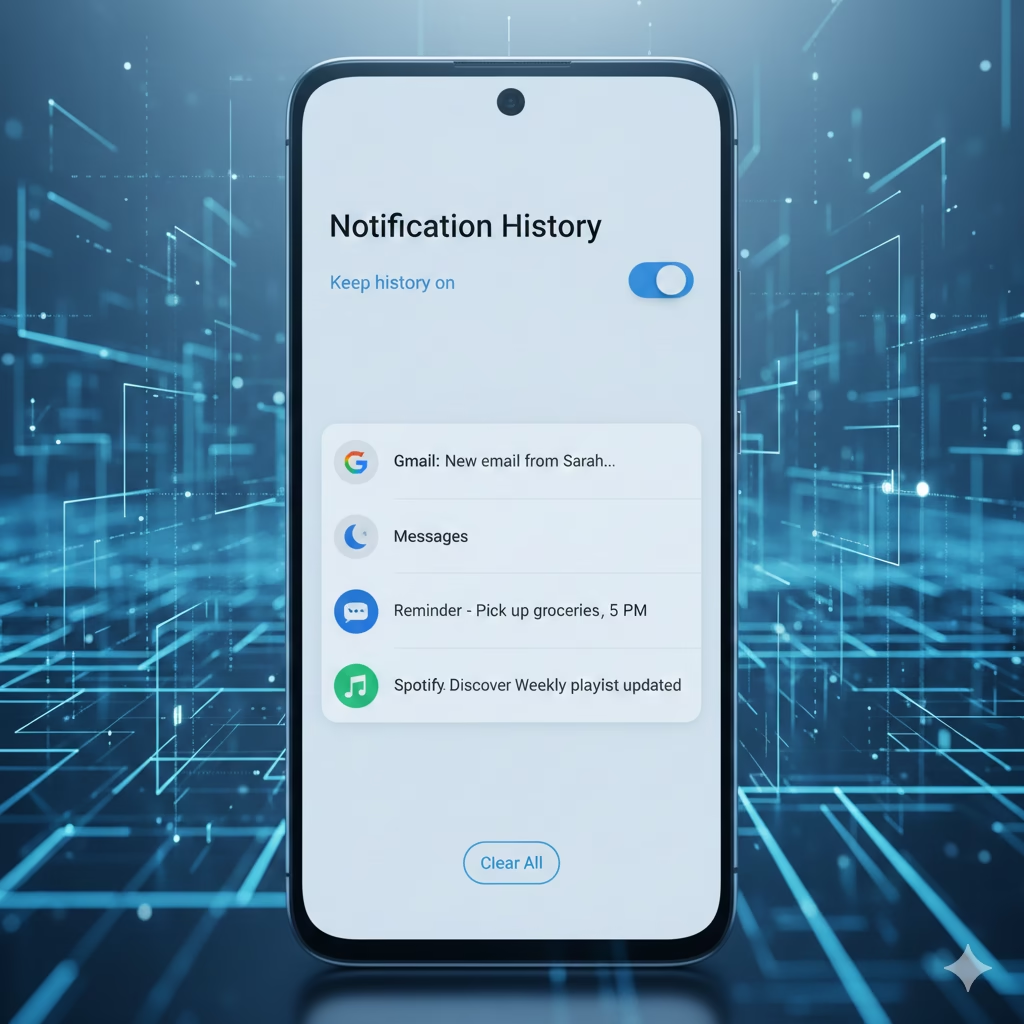
Fortunately, Android has a hidden but powerful feature called Notification History. When enabled, it keeps a record of your alerts, even after you dismiss them. This means you can recover missed messages, app alerts, reminders, and warnings anytime within the past 24 hours.
In this detailed review, we’ll explain:
- What Android Notification History is
- How it works
- Pros and cons
- A comparison with earlier versions and other competitors
- Best practices to get maximum benefit
- Bonus: Useful Amazon accessories to enhance Android notification productivity
What is Android Notification History?
Notification History is a built-in Android feature (introduced in Android 11) that records the alerts you receive—even after you swipe them away.
This feature is especially helpful if:
- You receive many notifications daily
- You accidentally dismiss messages
- You want to track reminders
- You handle work-related alerts
Once enabled, Android will log every notification for 24 hours in a clean timeline. You can open a missed alert and jump directly to the app.

How to Enable Notification History (Simple Steps)
- Open Settings
- Tap Notifications
- Tap Notification history
- Turn on Use notification history
Once enabled, Android will start saving all future notifications.
⚠️ Important:
It does NOT show notifications from before you enabled the feature.
Pros of Android Notification History
✅ 1. Recover Dismissed Alerts Easily
If you swipe too fast, no problem. You can open your notification history and retrieve the alert instantly.
✅ 2. Saves Time & Reduces Stress
No more searching through apps to find what you missed. Everything is logged in one place.
✅ 3. Great for Busy Users
People who get messages from WhatsApp, email, banking apps, social media, and work tools will find this a lifesaver.
✅ 4. No Extra App Needed
This is a built-in Android feature — no downloads, no ads, no bloatware.
✅ 5. Privacy-Friendly
Your notifications stay on your phone and are not uploaded to any cloud.
Cons of Android Notification History
⚠️ 1. Works Only for 24 Hours
After 24 hours, Android automatically clears the log.
⚠️ 2. Not Enabled by Default
Many users don’t know this feature exists until it’s too late.
⚠️ 3. Limited Features
No advanced options like:
- Filtering
- Search bar
- Long-term history
- Exporting logs
⚠️ 4. May Not Appear on Some Android Skins
Some brands hide system features.
Comparison Table: Notification History vs Old Notification Log vs Third-Party Apps

| Feature | Android Notification History | Old Notification Log | Third-Party Apps |
|---|---|---|---|
| Availability | Android 11+ | Old Android versions | Play Store |
| Retention | 24 hours | Limited/inconsistent | Days, weeks, unlimited |
| Ease of Use | Very easy | Technical | User-friendly |
| Privacy | High (built-in) | Moderate | Depends on app |
| Extra Features | No | No | Filters, storage, export options |
| Best For | Everyday users | Advanced users | Power users |
Best Accessories to Improve Notification Productivity
Here are helpful accessories that make managing notifications easier — especially for work:
🔗 1. Smartwatch (Instant Notifications on Your Wrist)
A smartwatch ensures you never miss urgent notifications even when your phone is in your pocket.
👉 Recommended:
Apple Watch SE / Samsung Galaxy Watch 6
🔗 2. Wireless Earbuds with Notification Alerts
Some earbuds vibrate or announce notifications audibly.
👉 Recommended:
Samsung Galaxy Buds FE
🔗 3. Fast Wireless Charger
A good charger keeps your phone powered so you never miss important alerts.
👉 Recommended:
Anker 313 Wireless Charger
Frequently Asked Questions
❓ Will it show notifications I received before I enabled the feature?
No. It only records new notifications after activation.
❓ Can I extend the 24-hour limit?
Not with the built-in feature.
To save notifications long-term, try third-party apps like “Notification History Log”.
❓ Does it show deleted messages?
It shows the notification, not the message inside apps like WhatsApp if someone deletes it.
Final Verdict: Should You Enable Notification History?
Absolutely YES — especially if you:
✔ Receive many notifications
✔ Accidentally dismiss alerts
✔ Use your phone for work or productivity
✔ Want peace of mind
Notification History is simple, safe, built-in, and incredibly helpful. While its 24-hour limit is a drawback, it still serves as a powerful safety net for Android users.
If you want advanced logging, you can combine it with a third-party app.
But for most users, the default Android feature is more than enough.