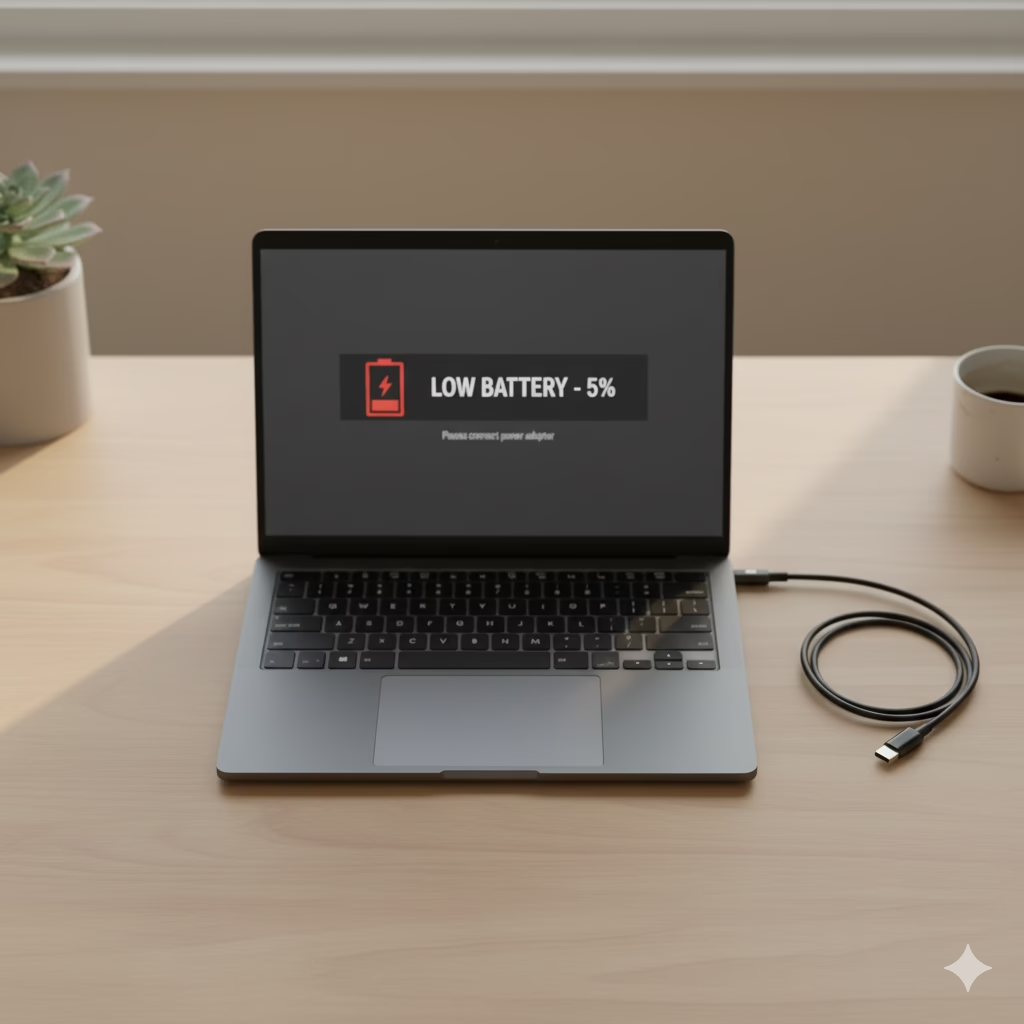

⚡ Ever Wondered Why Your Battery Dies So Quickly?

Laptop battery drains fast — that’s one of the most common complaints laptop users have today. Whether you’re working, gaming, or streaming, your device’s battery seems to vanish before you know it. In this article, we’ll uncover why your laptop battery drains fast and what you can do to make it last much longer.
🪫 Common Reasons Why Laptop Battery Drains Fast

1️⃣ Keeping It Plugged In 24/7
It feels convenient, right? But keeping your laptop constantly at 100 % puts stress on its lithium-ion cells.
Over time, this “full charge stress” shortens overall battery life.
💡 Pro Tip: Unplug once it hits ~80 %, and plug back in near 20 %.
Most brands (HP, Lenovo, Dell, Asus) have a “Battery Care” or “Conservation Mode” to help automate this.
2️⃣ Draining the Battery to 0 %
Letting your laptop die completely might sound harmless, but doing it often weakens battery chemistry.
Instead, plug it in when you see 20 % left — your battery will thank you later!
3️⃣ Using Cheap or Generic Chargers
A low-cost charger can deliver unstable voltage and damage your battery or motherboard.
Stick with brand-certified adapters only.
🔗 Recommended: Original Laptop Chargers on Amazon
4️⃣ Blocking Airflow and Overheating
Using your laptop on a bed or pillow traps heat — and heat is a battery killer.
High temperature speeds up battery wear and slows your laptop down.
🧊 Fix: Place your laptop on a hard surface or use a cooling pad.
🔗 Try this: Adjustable Laptop Cooling Pad on Amazon
5️⃣ Skipping Software Updates
Battery management improves with every update.
If you skip Windows or macOS updates, you might be missing crucial optimizations that help control power usage and heat.
6️⃣ Long-Term Storage Mistakes
If you plan not to use your laptop for weeks, don’t store it fully charged or completely dead.
Set it to about 50 % charge, shut it down, and keep it in a cool, dry place.
🔋 How to Fix and Prevent When Laptop Battery Drains Fast
✔ Keep charge between 20 – 80 %
✔ Avoid heat and direct sunlight
✔ Use certified chargers
✔ Place on a flat, ventilated surface
✔ Turn on “Battery Saver” mode
✔ Don’t leave unused for months
🔗 Bonus Gear: Laptop Power Bank on Amazon — perfect for travel or emergency backup.
⚖️ Comparison Table
| Feature | Best Practice (Now) | Old Habit | Modern Laptops with Smart Modes |
|---|---|---|---|
| Charging Pattern | 20 % – 80 % range | Always plugged in 100 % | Some models auto-limit to 80 % |
| Temperature Control | Use cooling stand | Use on bed/sofa | High-end laptops throttle heat |
| Charger Type | OEM certified | Cheap generic | USB-C PD protection built in |
| Storage Care | 50 % charge for storage | Fully charged or empty | “Storage Mode” in business laptops |
| Software Updates | Always updated | Ignored for months | Firmware optimizes battery usage |
🧠 Understanding the Real Enemy — Heat
Heat silently kills battery life faster than anything else.
When your laptop gets hot, the battery’s chemical reaction speeds up and its capacity drops permanently.
🔥 Quick Fixes:
- Keep vents clean.
- Use a cooling stand.
- Avoid direct sunlight.
- Don’t block air vents with cushions or clothes.
💡 Quick Battery-Saving Tips
- Lower screen brightness to 60–70 %.
- Close unused browser tabs and apps.
- Turn off Bluetooth / Wi-Fi when not needed.
- Use “Battery Saver” mode when on battery.
- Avoid gaming or 4K editing on battery power.
- Unplug external devices (USBs, webcams, drives).
❓ Frequently Asked Questions
Q: Can I leave my laptop plugged in overnight?
A: Occasionally — yes. Constantly — no. Keeping it charged 24/7 reduces battery life.
Q: How long should a laptop battery last?
A: Typically 2–4 years, but good habits can extend it to 5 years or more.
Q: Is it safe to use my laptop while charging?
A: Yes, as long as it doesn’t overheat. A cooling pad helps keep it safe.
Q: What’s the best charge level for storage?
A: Around 50 %, in a cool, dry place.
Q: Should I use a power bank?
A: Yes — especially for travel. Just make sure it supports your laptop’s voltage.
🔗 Shop Now: Best Laptop Power Banks on Amazon
🧭 Final Thoughts
Your laptop battery is like your car’s engine — treat it well and it runs smoothly for years.
A few small habits make a huge difference:
- Keep it cool
- Don’t overcharge
- Use the right charger
- Avoid total drain
Following these steps can extend your battery life by 30–50 % — saving you money and frustration.
If your battery already drains too fast, consider replacing it with an original one.
🔗 Find Genuine Laptop Batteries on Amazon: Laptop Replacement Batteries
🏁 Final Verdict
By fixing small daily mistakes, you can turn your laptop from a plug-dependent machine into a reliable, long-lasting companion.
💬 “Take care of your battery, and it will take care of your workday.”