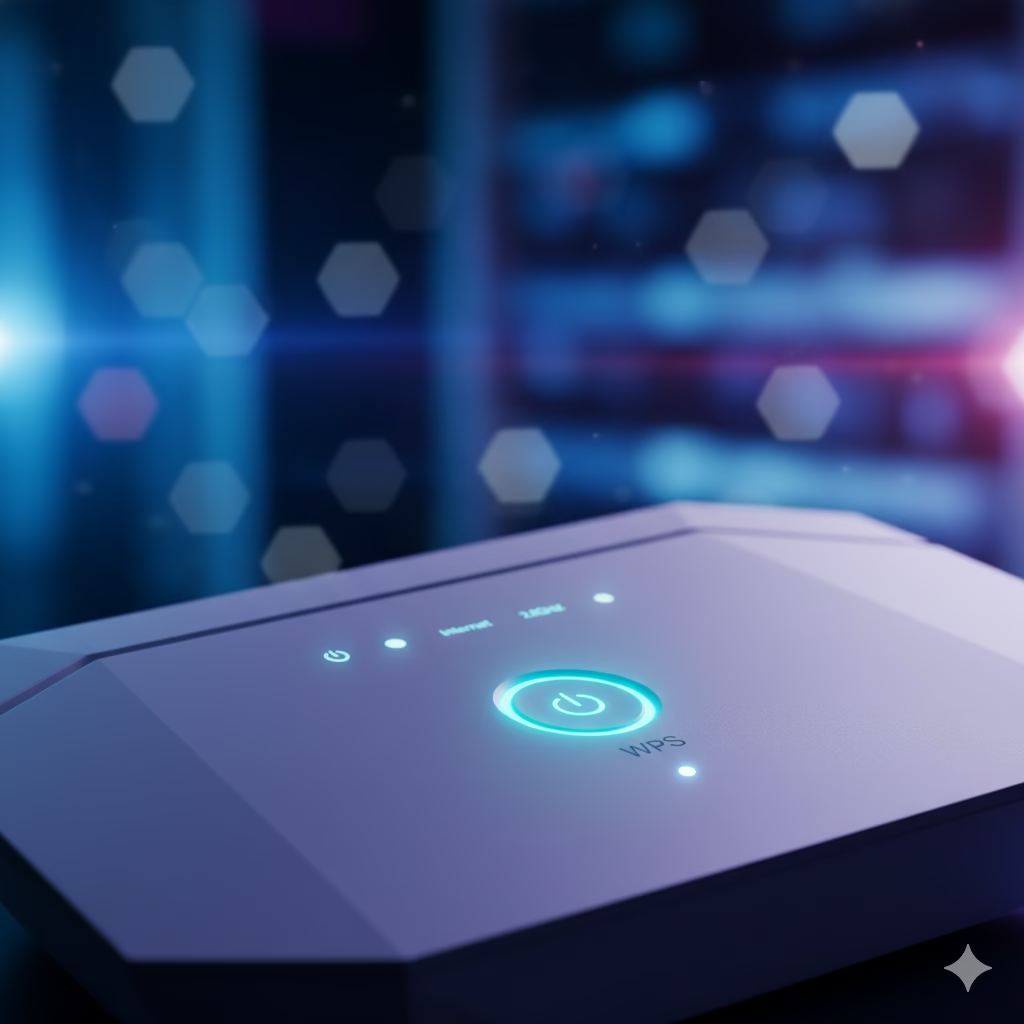

🧩 What Does the WPS Button Mean?
If you’ve ever looked at your Wi-Fi router and noticed a small button labeled WPS, you might have wondered what it actually does.
WPS stands for Wi-Fi Protected Setup, a feature designed to simplify the process of connecting devices to your Wi-Fi network—without needing to type long passwords.
In simple terms, WPS allows you to connect a new device (like a smartphone, printer, or smart TV) to your router with a single press of a button.
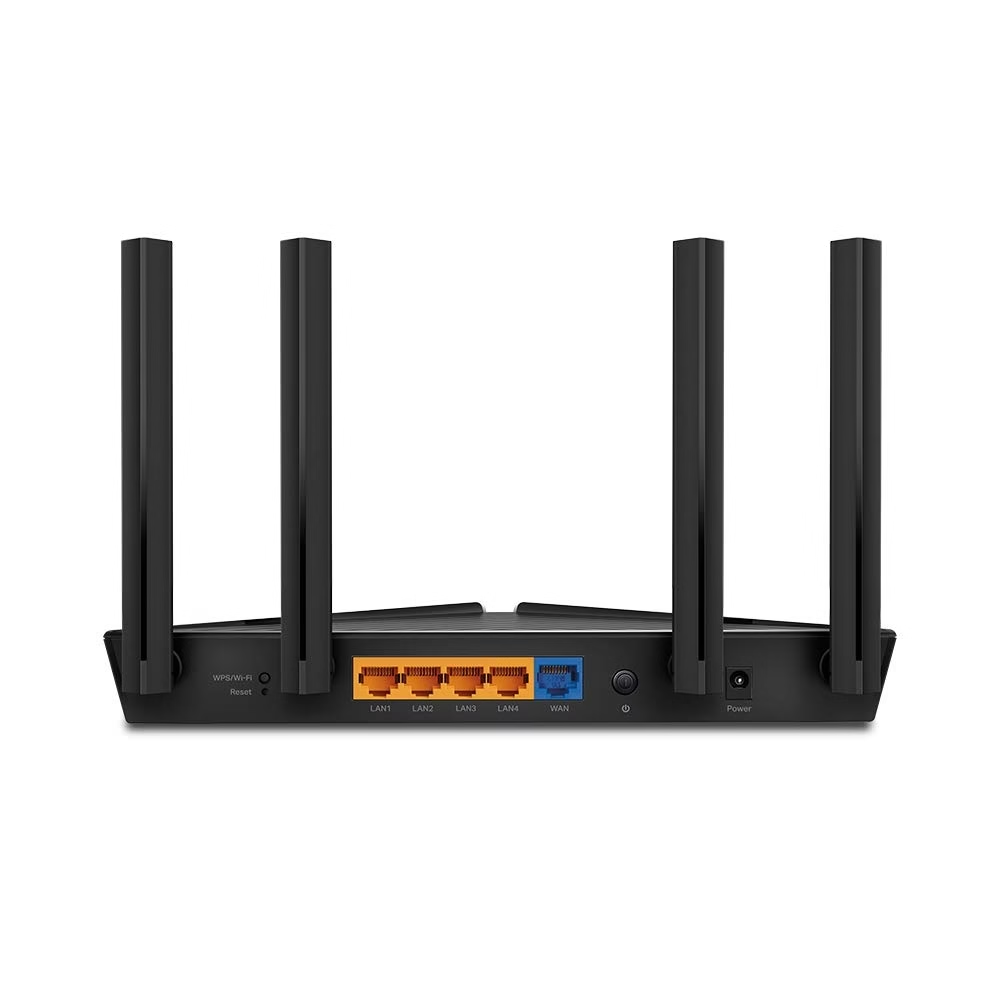
⚙️ How Does the WPS Button Work?
Normally, when you connect a new device to your Wi-Fi, you have to:
- Search for your Wi-Fi network name (SSID),
- Enter the Wi-Fi password manually.
With WPS, the process is much simpler:
- Press the WPS button on your router.
- Within 2 minutes, connect your device to the Wi-Fi by selecting your router’s name.
- The connection happens automatically—no password needed!
WPS uses secure PIN or push-button authentication to exchange encrypted keys safely between your router and device.
🔍 The Secret Behind the WPS Button
Here’s the secret:
The WPS feature was created to make life easier for users, especially for smart devices that don’t have keyboards (like smart TVs, printers, or Wi-Fi cameras).
However, not many people know that:
- WPS can be a security risk if left enabled permanently.
- Hackers can sometimes exploit WPS PIN vulnerabilities to gain unauthorized access.
👉 Pro Tip:
If you rarely use WPS, it’s better to turn it off in your router settings after connecting your devices.
📡 Advantages of Using the WPS Button
✅ Fast Connection: No need to remember or type complex passwords.
✅ Convenient for Smart Devices: Especially useful for printers, TVs, and cameras.
✅ User-Friendly: Great for non-technical users.
⚠️ Disadvantages and Security Risks
❌ Vulnerable to Attacks: Older routers with WPS PIN mode can be hacked easily.
❌ Limited Compatibility: Some modern devices no longer support WPS.
❌ Temporary Access: It’s better to disable it once setup is done.
💡 How to Use WPS on Different Devices
📱 For Android Phones:
- Go to Wi-Fi settings → Advanced → Connect via WPS button.
- Press the WPS button on your router.
- The device connects automatically.
🖨️ For Printers:
- Open your printer’s Wi-Fi setup menu.
- Select WPS setup.
- Press the WPS button on your router.
📺 For Smart TVs:
- Go to Network Settings → WPS (Push Button).
- Press your router’s WPS button.
- Wait for the automatic connection.
🛡️ Is WPS Safe to Use?
While WPS is convenient, it’s not the most secure method of connecting.
Security experts recommend:
- Using WPS only during setup
- Disabling WPS once all devices are connected
- Keeping your router firmware updated regularly
This ensures that your Wi-Fi remains both fast and safe.
🧠 Did You Know?
- Some modern routers no longer include the WPS button due to security concerns.
- The WPS LED light usually turns on or blinks while a device is connecting.
- WPS PIN mode (instead of push-button) is less secure and not recommended.
🛒 Best Wi-Fi Routers with WPS Support (2025 Edition)
| Product Name | Wi-Fi Speed | Features | Buy Link |
|---|---|---|---|
| TP-Link Archer AX23 | Dual Band Wi-Fi 6 | WPS Button, WPA3 Security | Buy on Amazon |
| Netgear Nighthawk RAX43 | Up to 4.2 Gbps | 4 Antennas, Push Button WPS | Buy on Amazon |
| Tenda AC10 | Dual Band AC1200 | WPS, Parental Control | Buy on Amazon |
| D-Link DIR-816 | 750 Mbps | Easy WPS Setup | Buy on Amazon |
| ASUS RT-AX55 | Wi-Fi 6, 3000 Mbps | WPS, MU-MIMO, AiProtection | Buy on Amazon |
❓ FAQs About the WPS Button
Q1. Can I connect my phone to Wi-Fi using WPS?
Yes, if your phone supports WPS connection mode. Just press the WPS button on your router and follow the on-screen steps.
Q2. What happens if I press the WPS button accidentally?
Nothing harmful—it simply opens a short 2-minute window for new devices to connect.
Q3. Should I disable WPS after using it?
Yes, for better security, disable it from your router’s admin settings.
Q4. Is WPS available on every router?
Most traditional routers have it, but newer Wi-Fi 6 models may exclude WPS for improved security.
🧭 Conclusion
The WPS button on your Wi-Fi router is a handy shortcut to connect devices quickly and effortlessly—no password needed. But while it’s convenient, it’s wise to use it only when setting up trusted devices and turn it off afterward for maximum security.
So next time you see that mysterious WPS button, you’ll know exactly what it does—and how to use it safely!